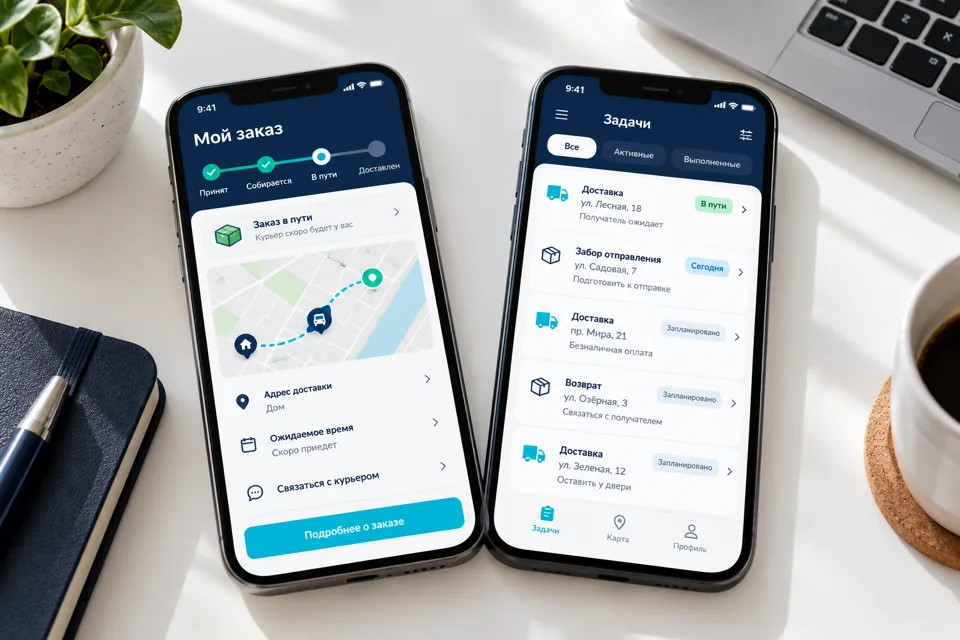
 Illustrative image
Support actual work outside the office
Staff on a site, in a store or on a visit may not have a desktop system available. Personal-messenger photos do not provide a shared task history. An app can show assignments, required steps, documents and reviewed results. Map a real shift from receiving work through exceptions to handover.
Company terminals and personal phones introduce different access, storage and update conditions. Using an app for work does not automatically make a personal device company-managed.
Tasks, forms and result states
Scope may include assignments, directions, checklists, photos, materials, internal requests and dispatcher contact. Every required field needs a business reason. Define who accepts a result and when it can be returned.
Distinguish drafts, locally completed work and server-accepted results. Under poor connectivity, employees must see what remains unsent. Agree conflict rules for shared changes; device time is not the sole proof of event order.
Permissions and personal-data boundaries
Access follows role, department and permitted sites. Revocation must cover agreed session behaviour when employment or duties change. Limit local files and cache to necessary work. HR or ERP integration requires APIs and an authoritative staff directory.
If location is required, specify purpose, collection moments, access and retention. Continuous tracking is not a harmless default. The employer confirms legal grounds and policies, while platform restrictions still apply.
Forms can change after work is assigned. Preserve the checklist version received by the employee. A new instruction must not retrospectively mark completed work incomplete without an explicit decision. Task-change history helps supervisors compare shifts and review returned work fairly.
Pilot and acceptance
Begin with one role and a complete workflow. Test in relevant field conditions before expanding. Agree training, account issuance, updates and lost-device procedures.
- Employees see only permitted assignments and sites.
- Offline results sync without hidden loss or duplication.
- Results can be returned and corrected.
- Revocation and lost-device procedures are defined.
- Location and files are restricted to necessary roles.
Project questions
Can staff use personal phones?
Where supported devices, permissions and data policies are agreed. Personal devices are not automatically corporate-managed.
Can employees be tracked continuously?
Not by default. A justified purpose, legal grounds, notice and platform limitations must be addressed.
What happens when someone leaves?
Access revocation and session handling are designed. Local-cache treatment depends on the architecture and device-management approach.