Retail software designed around your operations

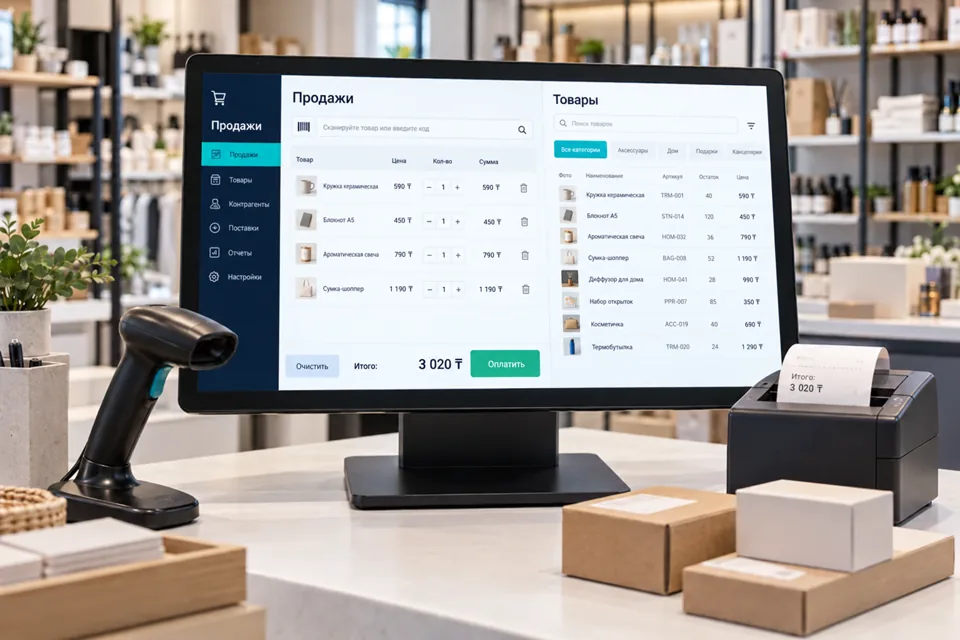
Retail software must connect sales, payment, stock movements and employee actions. We design custom systems when spreadsheets or ready-made products cannot support an important workflow. Discovery starts with an actual store scenario rather than a list of screens.

Service illustration: Retail software designed around your operations Illustrative image

Choose your use case

Windows applications for employee workstations

Desktop software can suit workstations that need Windows integration, intensive data entry, document printing or controlled operation with weak connectivity. We build a focused employee tool rather than promise replacement of every business system.

Explore →

Follow the complete merchandise journey

Map receiving, internal labelling, transfers, reservations, sales and returns. Establish where payments are recorded and who may correct mistakes. When a warehouse, shop and courier share an order, each participant needs an explicit state and next action. Include partial deliveries and mismatched items, using anonymised documents.

Choose the necessary components

Scope can include checkout, a product catalogue, stock control, pricing and management views. A specialised workstation may need a Windows application; several stores may need a central service with local components. Existing accounting software need not be replaced. Separate the mandatory first release from later capabilities rather than commissioning an unnecessary universal platform.

Integration and equipment boundaries

Assign authoritative sources for prices, products, stock and payments. Verify APIs, access and retry rules. Scanners, scales, printers and terminals require checks against actual models, drivers and protocols. Fiscal exchange requires a selected local provider, contractual arrangements and the necessary access. Building an integration does not establish compliance with every applicable legal requirement.

Failures, access and data ownership

Define which tasks may continue offline and which require server or payment-provider confirmation. A locally stored sale is not a confirmed payment. Log operation identifiers and outcomes without secrets. Roles restrict discounts, cancellation and exports. Agree ownership of source code, database and infrastructure accounts.

Delivery and rollout

Document workflows, prototype the main workstation and build an agreed first scope. Test against selected equipment before a controlled pilot with named users, permitted data and a rollback plan. Hand over operating and backup instructions. Expand only after reconciling stock, reports and pilot findings.
Acceptance checks

  • Receiving, sales and partial returns reconcile with stock.
  • Repeated requests do not duplicate transactions.
  • Unauthorised price changes and exports are blocked.
  • Pending actions remain visible after connectivity recovers.
  • Restore a backup into a separate environment.

Project questions

Must the current accounting system be replaced?

Not necessarily. We first assess its capabilities. Custom software can cover specialised workstations while accounting remains in the existing product.

Can every retail device be connected?

Compatibility needs verification. Provide exact models, interfaces, driver versions and access to devices or official emulators for testing.

Where should a small company start?

Start with one complete receiving, sale and return workflow. Add multi-store operations and advanced pricing after reliability is verified.

KazitLearn

Need a similar CRM workflow for your business?

Message us on WhatsApp: we will review your pipeline, lead sources, integrations and implementation stages without fake guarantees.

Let’s start with your challenge.

Tell us which process needs to improve. We’ll discuss the approach, the first version and the next steps.

By submitting, you agree to our privacy policy.

WhatsApp request