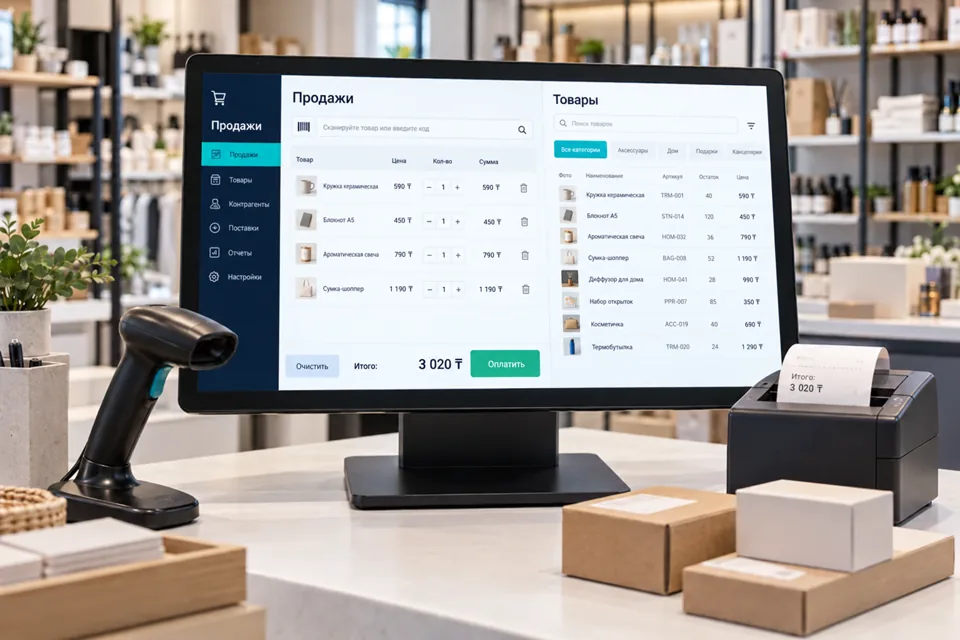
 Illustrative image
Justify the desktop format
Start with daily work: document entry, dispatching, reconciliation or a local task queue. Review table sizes, keyboard use, network constraints and IT policy. A browser may solve the task more simply. Establish target Windows versions, computer architecture and installation permissions before selecting a stack.
Forms and document workflows
Implement search, records, editable tables, validation, templates, printing and exports where required. Focus order and messages must distinguish saved changes from pending confirmation. Bulk actions need preview and appropriate cancellation. Assign template and reference-data ownership. Records should not exist only in an unnoticed local file without a backup.
Local records and server exchange
Define which offline operations are allowed and how they synchronise. Local persistence is not server acceptance; show pending states and rejection reasons. Retries must not duplicate documents. Server operations require server-side authorisation. Agree local retention, protection, user switching, cleanup and expired-session behaviour.
Deployment and integration boundaries
Provide an agreed installer or corporate deployment package, configuration, version history and rollback procedure. Signing requires suitable certificates and customer policies; Windows trust is not automatic. Verify existing APIs separately. Device connections require actual models, drivers and protocols. A desktop application is not inherently a POS or fiscal solution.
Accept on the target workstation
Test a prototype on the target computer, then pilot forms, exchange and installation with future users. Cover large tables, missing connectivity and restarts. Deliver support and recovery documentation. Acceptance includes upgrading an existing version while preserving agreed data.
- Complete core work with keyboard and mouse.
- Reject invalid values clearly.
- Preserve offline queues after restart.
- Test upgrade and rollback.
- Enforce record access through APIs.
Project questions
Is Windows always better than a web application?
No. Choose it for justified local capabilities, network conditions and workflow needs. A browser can simplify deployment and maintenance.
Can it operate without internet?
For defined operations, yes. Current stock, payments and some permissions may still require a server and must be labelled accordingly.
Will every attached device work?
No universal guarantee is possible. Verify models, drivers, Windows architecture and protocols on the actual setup.