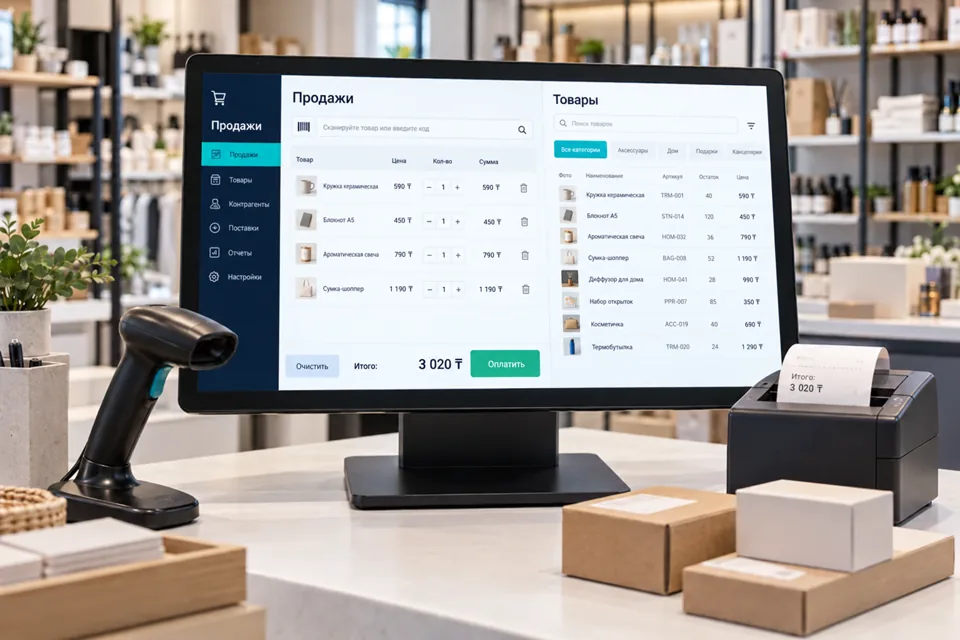
 Illustrative image
Verify the exact setup
Collect manufacturer, model, revision, firmware, connection type, OS and documentation. Identical connectors can expose different commands and SDK licensing requirements. Confirm test-device access and permission to integrate. Record existing drivers and update constraints. Without documentation, assess an authorised interface investigation rather than promise universal support.
Give events precise meaning
A scanner may act as a keyboard, serial port or API. Scales may expose current, unstable or confirmed weight. Printer job acceptance does not prove physical output. Define formats, units, readiness and outcome acknowledgement. Adapters normalise data with source and time. Handle duplicates, incomplete lines, encoding and reconnection predictably.
Choose adapter boundaries
A local Windows service, application library or network gateway may fit, depending on drivers and infrastructure policy. Define its protocol, authorisation and version compatibility. Separate configuration from secrets and keep credentials and unnecessary personal data out of logs. Limit contractor access and establish SDK licensing and source-handover terms.
Avoid unsupported integration claims
Device integration alone creates neither a POS nor fiscal compliance. Banking and fiscal devices require a real local provider, contractual access and permitted operations. Industrial monitoring does not replace safety PLCs, interlocks or emergency stops. Commands, calibration and protection changes require separate engineering assessment and authority.
Bench test and deploy
Prototype one real setup and agree success criteria. Test disconnected cables, power loss, busy ports, app restarts and malformed responses. Pilot on the target OS with actual user permissions. Deliver a compatibility matrix, recovery procedures and driver-update instructions; new firmware or models require revalidation.
- Record model versions and protocols.
- Verify units and validity indicators.
- Never treat an outage as success.
- Deduplicate reconnects and deliveries.
- Retest replacements and driver updates.
Project questions
Can any USB device be integrated?
No. USB is transport, not a capability guarantee. Models, drivers, protocols or SDKs, permissions and real-device tests are required.
Does this include a new operating-system driver?
Not automatically. An adapter to an existing driver or SDK may suffice; kernel-driver development is a separate scope.
Who owns fiscal-device configuration?
Responsibilities must be agreed with the customer and specialist provider. Without their documentation and access, neither integration nor regulatory conformity can be promised.